JavaScript Object
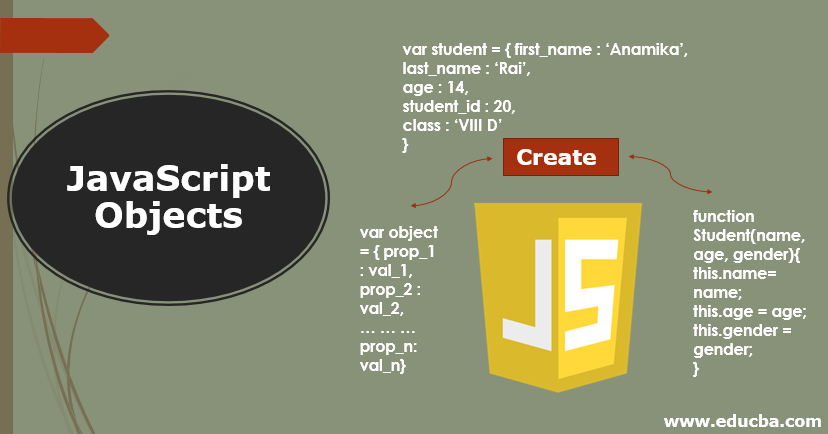
JS Objects are collections of key-value pairs. They are used to store, retrieve, and manipulate data in a structured way. Objects can be created in several different ways in jS
Create Objects with object literal
One of the most common ways to create an object in JS is using object literal syntax, which looks like this.
let information = {
    name: "Rio",
    age: 28,
    occupation: 'car driver'
};
In this example, information is an object with three properties - name, age and occupation. Each property has a key (eg. name) and a value (eg. 'Rio')
we can also use this function in objects format,
let information = {
    name: "Rio",
    age: 28,
    occupation: 'car driver',
    print: function (){
        console.log('${key.name} age is ${key.age} and he is a ${key.occupation}');
    }
};
Access Objects
We can access this object in this method with the following:
syntax: objectName.information()
Example:
information.print();
console.log(information.name);
console.log(information[age]);
Adding Object
This example uses the adding object.
// Add properties

person.email = 'Rio@ample.com';
person['phone'] = '557-775-7777';
person.age = 29;
person['occupation'] = 'software engineer';
Built-In or Constructor function object
The Constructor function is a special function that is used to create and initialize an object. Here an example:
function fruits ( apple, banana){
    let vegi = apple + banana;
    return  vegi;
}

let nuts = fruits (80, 24)


